
Turn a Real Photo into Soft Ghibli-Style Art
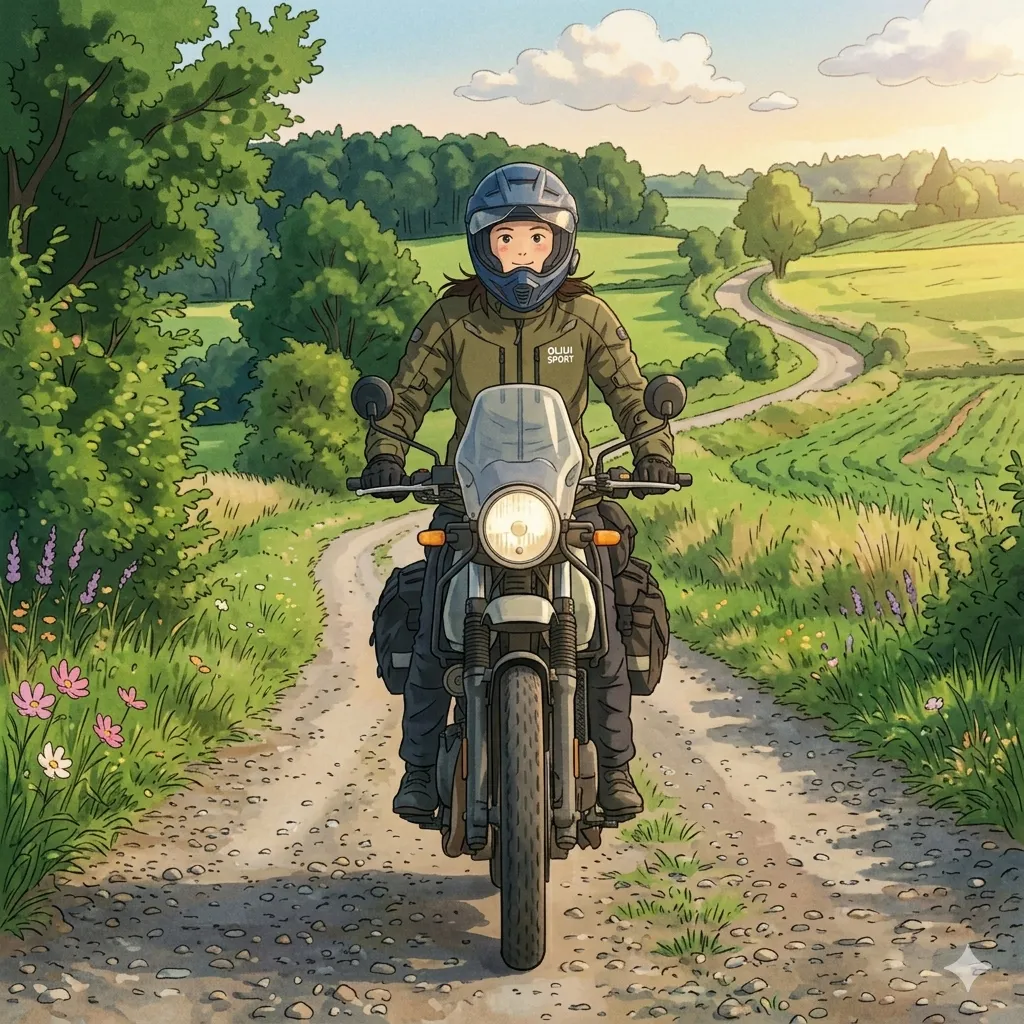
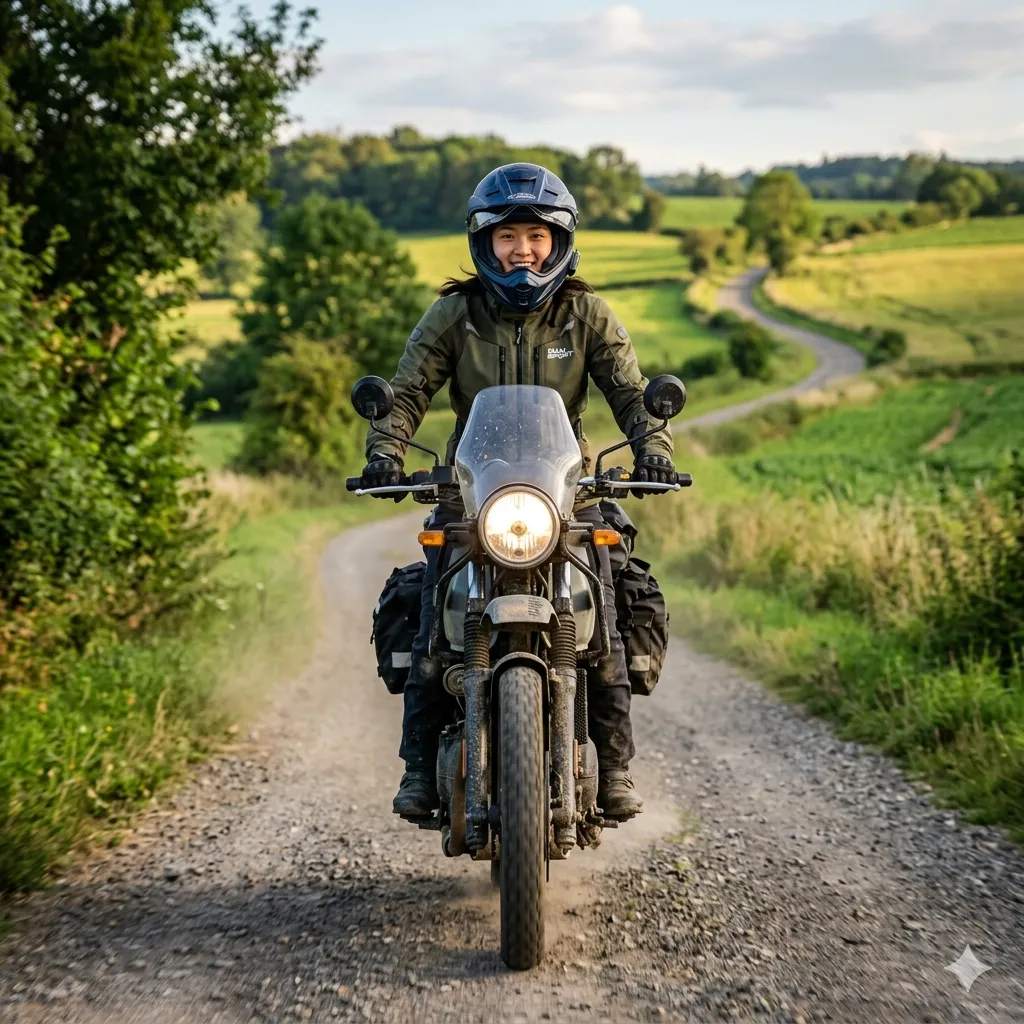
Upload a portrait, pet photo, couple shot, or family picture and turn it into a gentle illustrated scene with painterly texture, warm light, and a quieter emotional tone. The goal is not to replace the original subject with a random anime character, but to keep the face, expression, and mood recognizable while giving the image a more storybook feel.
Photo to Ghibli Tool
What Makes a Good Ghibli-Style Conversion
The best results keep the original feeling of the photo while changing the visual language around it. A strong Ghibli-style conversion usually has softer color transitions, calmer facial styling, hand-painted background detail, and a warmer sense of light. Instead of chasing a loud anime effect, it works better when the image feels quiet, natural, and lived in. That is why portraits, pets, children, and simple outdoor scenes often translate especially well. The finished image should still look like your photo, only gentler, warmer, and more cinematic.
Recognizable Faces
Eyes, smiles, face shape, and hair should still feel familiar after the style change.
Painterly Light
Warm daylight, softer shadows, and smoother color transitions make the image feel closer to illustration than filter work.
Calmer Backgrounds
Simple trees, sky, interiors, or quiet scenery tend to support the Studio Ghibli style better than busy cluttered spaces.
A Softer Emotional Tone
The final image works best when it feels gentle and reflective rather than loud or exaggerated.
When This Style Works Especially Well
Not every stylized photo needs the same mood. Ghibli-style art works best when you want warmth, softness, and a little more atmosphere than a standard cartoon filter can give you.
Profile Pictures with Personality
A soft illustrated avatar stands out without feeling too sharp, loud, or overdesigned.
Pet and Family Keepsakes
The style adds tenderness, which makes it a natural fit for pets, children, couples, and family memories.
Gift Images and Printed Cards
The painterly look works well for invitations, framed prints, birthday cards, and anniversary art.
Editorial and Social Covers
Creators often use this style for thumbnails, post covers, moodboards, and seasonal visuals when they want something softer than a normal anime effect.
What Kind of Photo Gives the Best Result
The source image matters more than people think. A stronger input usually leads to a more natural Ghibli effect, even before any styling starts.
Use Clean Light
Soft daylight or balanced indoor lighting makes faces and fur easier to preserve.
Keep the Subject Clear
Photos with one or two obvious subjects usually convert better than crowded group shots.
Avoid Heavy Filters First
A natural source photo gives the converter more room to build a believable studio ghibli style result.
Choose Calm Backgrounds
Parks, windows, quiet streets, simple rooms, and open sky often work better than noisy backdrops.
Why a Ghibli Effect Feels Different from a Normal Anime Filter
A standard anime filter often pushes harder outlines, brighter contrast, and stronger exaggeration. A good Ghibli-style result usually does the opposite. It softens edges, lowers visual noise, and gives more space to light, color, environment, and expression. That balance matters if you want Studio Ghibli style AI images that still feel human and grounded instead of synthetic or overprocessed.
More Atmosphere, Less Noise
The image leans on warmth, space, and background mood instead of aggressive line work.
Expression Comes Before Exaggeration
The subject still looks calm and natural, which helps portraits stay closer to the original person.
Color Carries More of the Style
Gentle greens, warm skin tones, washed sky colors, and softer highlights do much of the visual work.
How to Get a Better Photo to Ghibli Result
A cleaner input and a simpler workflow usually beat over-editing. Start with a good photo, keep the style direction focused, and compare before you download.
Start with a Bright, Clear Photo
Choose an image where the subject is easy to see and the expression is not hidden by blur, shadows, or heavy makeup filters.
Use the Preset and Keep the Direction Simple
A soft Ghibli-style image usually looks better when the styling stays focused on warmth, painterly texture, and recognizability.
Compare, Then Download the Strongest Version
Check whether the face still reads clearly, the background feels calmer, and the mood matches the memory you want to keep.
What You Can Expect from This Converter
The workflow is built to keep the style approachable and repeatable, especially for people who want to create Ghibli image variations from real photos instead of prompt-heavy experiments.
Side-by-Side Preview
Check the original photo against the stylized version before you commit to a download.
One-Click Ghibli Preset
You do not need to build a long prompt just to try a softer Studio Ghibli style direction.
Portrait-Friendly Treatment
Faces, pets, and family photos stay easier to read than they do with many harsher anime filters.
Download-Ready Output
The final image is easy to reuse for avatars, cards, covers, wallpapers, and keepsakes.
Consistent Mood
The preset stays focused on one softer visual direction instead of mixing too many unrelated styles.
No Prompt Writing Required
You can convert to studio ghibli style without learning prompt syntax first.
Three Quick Checks Before You Generate
These small choices usually make a bigger difference than trying to force the style with extra edits.
Clear Eyes Choose a photo where the eyes are visible and the expression is easy to read.
Choose a photo where the eyes are visible and the expression is easy to read.
Simple Framing Half-body, headshot, pet portrait, and small family compositions are easier to stylize cleanly.
Half-body, headshot, pet portrait, and small family compositions are easier to stylize cleanly.
Natural Light Daylight or soft indoor light usually gives a warmer and more believable result.
Daylight or soft indoor light usually gives a warmer and more believable result.
Photo to Ghibli FAQ
Practical questions about source photos, style differences, and how to make the output feel more natural.
Create a Softer Ghibli-Style Version of Your Photo
Upload a real photo, keep the expression and mood you care about, and turn it into a warmer illustrated scene in a few clicks.